DraftKings

Jam.js

Web Site Redesign

3D Guitar Learning Application

About

As a UX/UI Design Intern at DraftKings I led the redesign of the corporate home and about pages. I also worked on over 70 different weekly promotions for all four verticals ( Daily Fantasy, Casino, Sports Book & Pick6)

I designed, built, and launched a free to use guitar learning application for beginner guitarists. I created the app I wish existed when learning guitar to show players how to correctly hold chords and use their fingers.

Role:
UX/UI Design Co-op
Lead Designer & Developer
Tools:
Figma, Adobe CC, Wrike
Spline, WebGL, 3.js, Claude AI

Jam.js (Beta)

3D Guitar Learning Application

About

I designed, built, and launched a free to use guitar learning application for beginner guitarists. I created the app I wish existed when learning guitar to show players how to correctly hold chords and use their fingers.

Role:
Lead Designer & Developer
Tools:
Spline, WebGL, 3.js, Claude AI

Live Site

The Problem

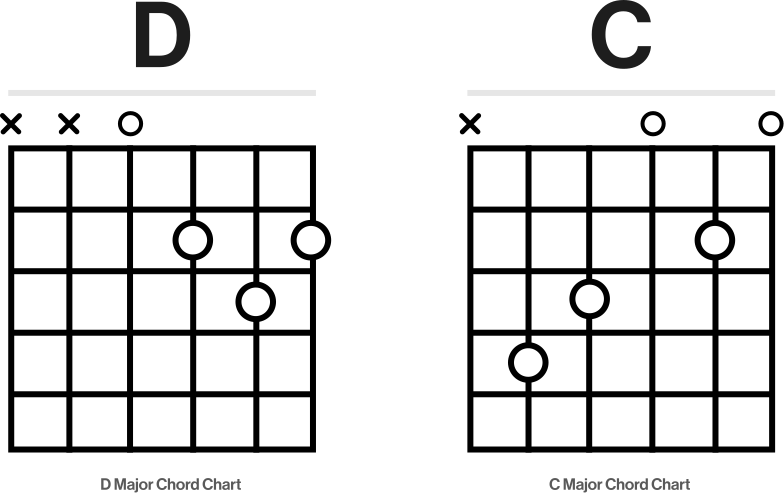
Learning guitar is hard and sucks for a while. Beginners often struggle with finger placement and complicated diagrams as I know I did. After teaching some friends guitar I noticed the same questions being asked and them needing to look at my hands from multiple angles so they could better understand how my hands were holding the chords.

To the right are two normal chord charts. At a glance it is quite unclear what each little symbol means, its difficult to even tell which direction one is supposed to be looking at
Building and Modeling

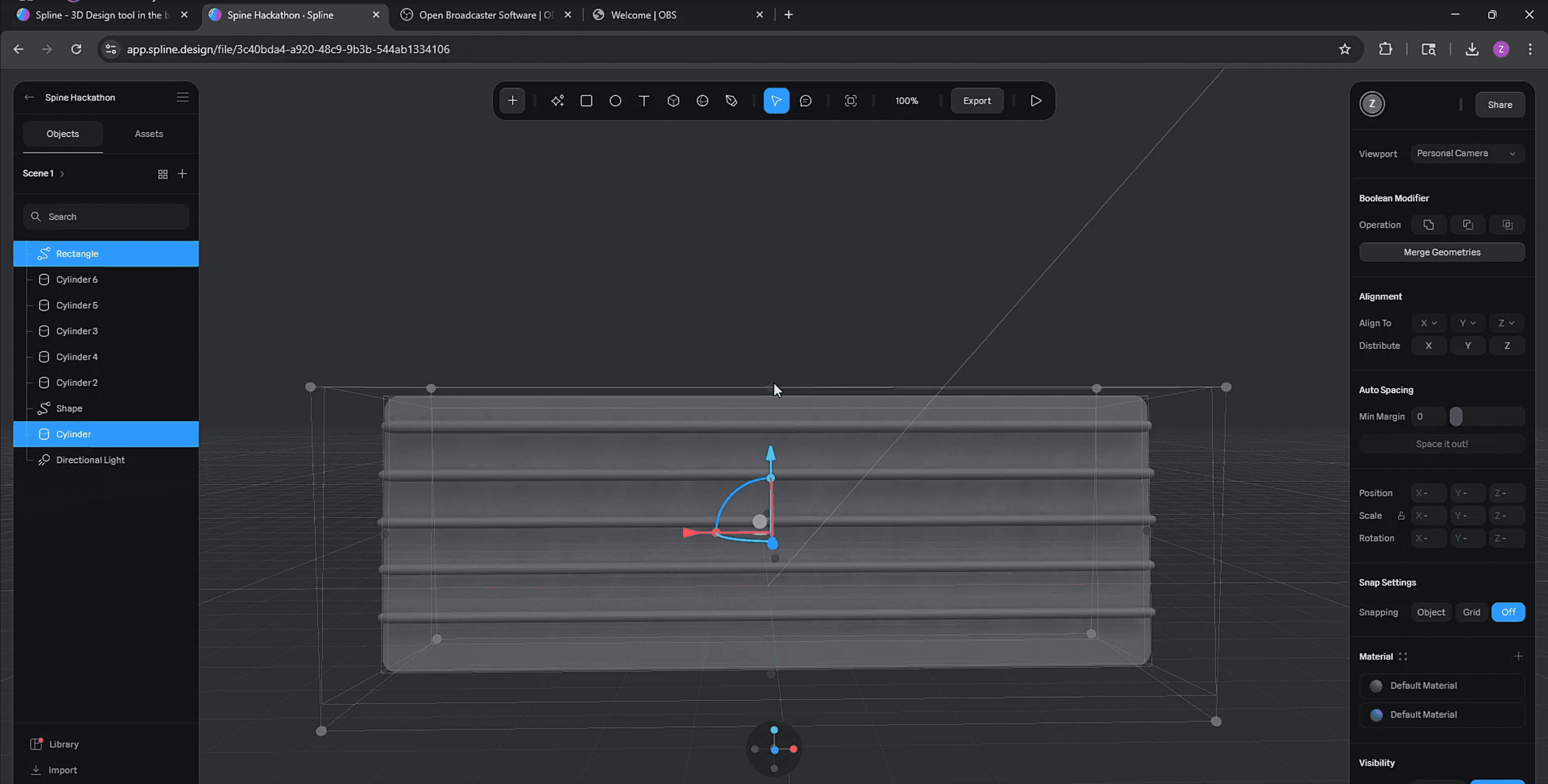
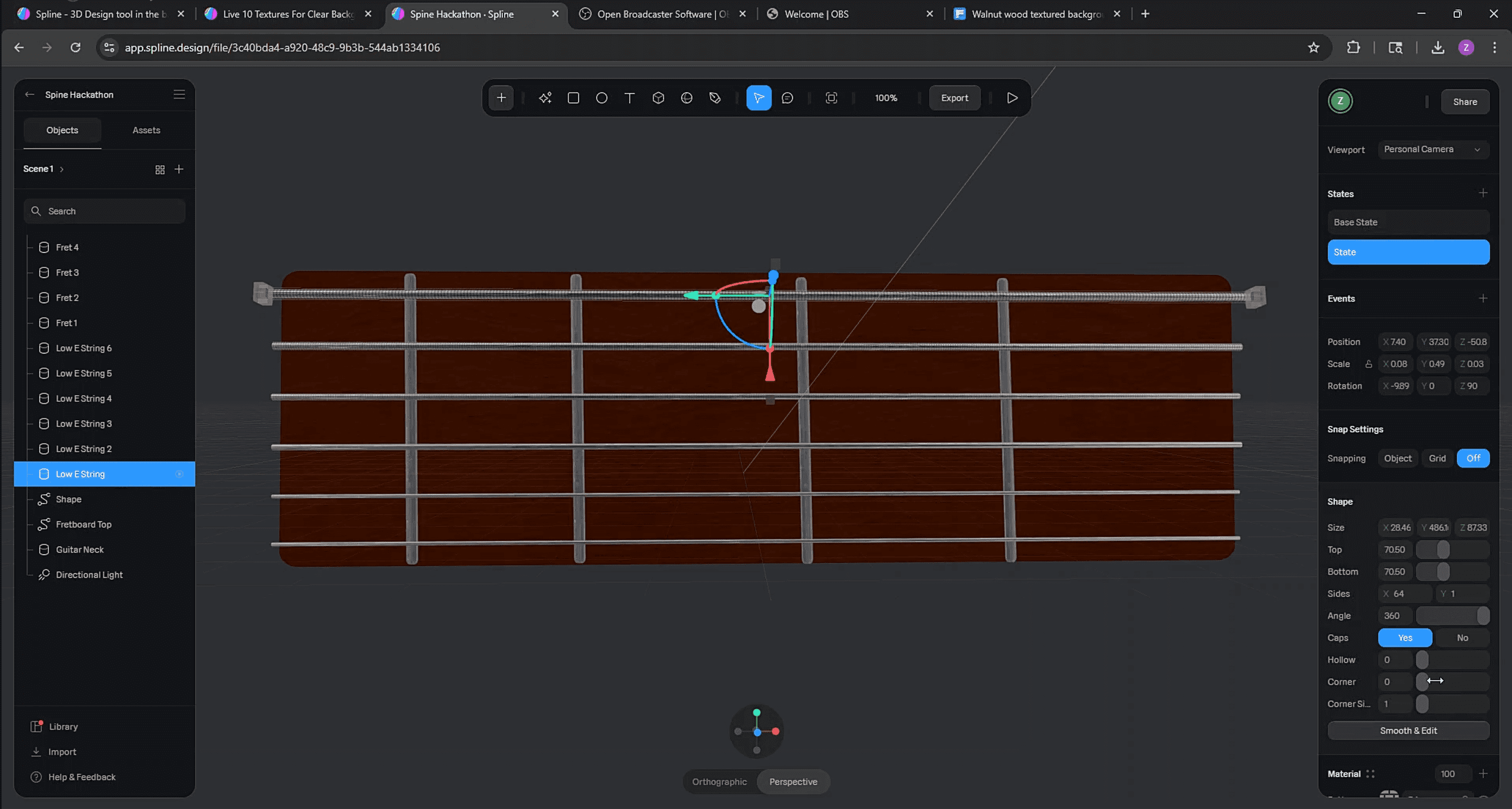
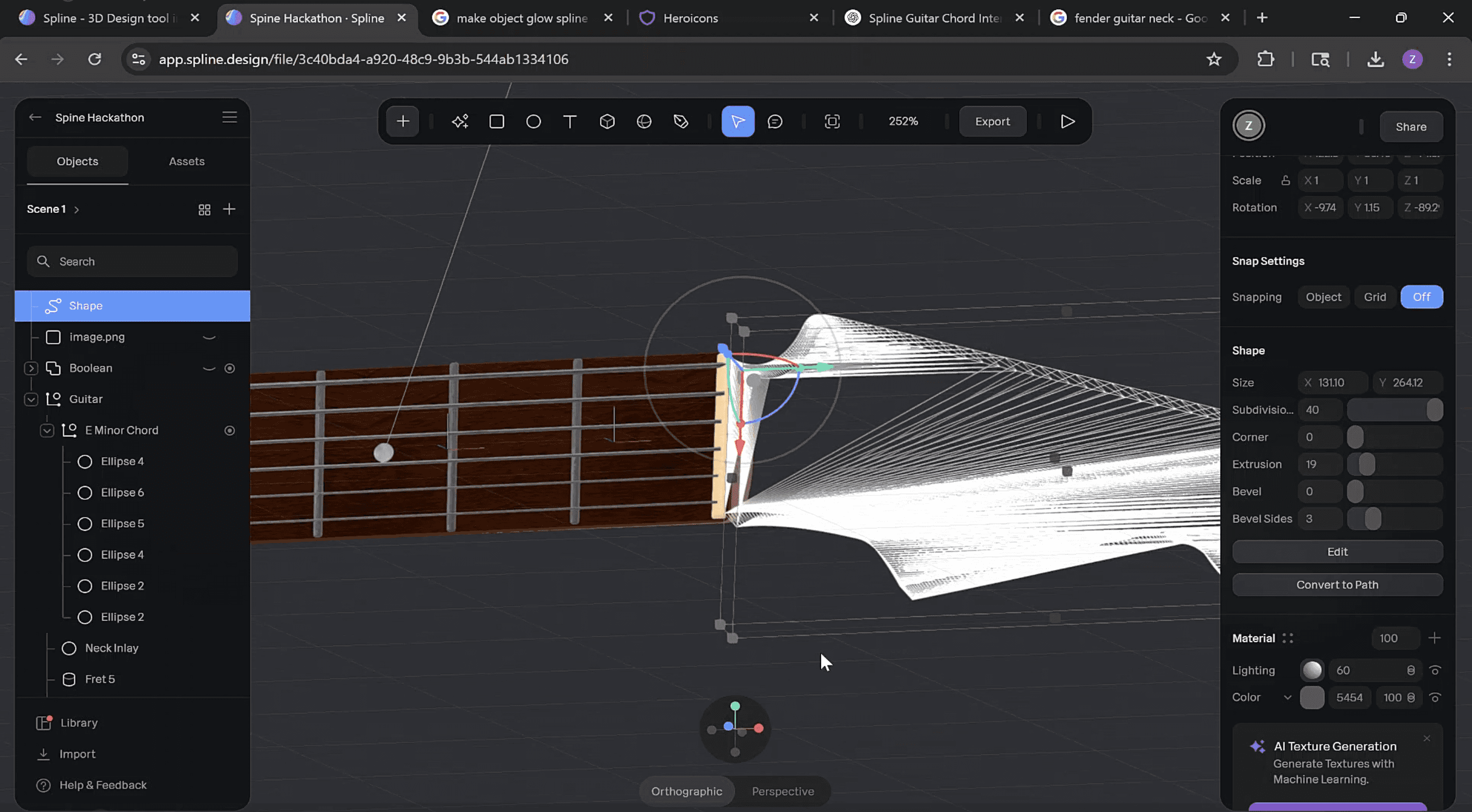
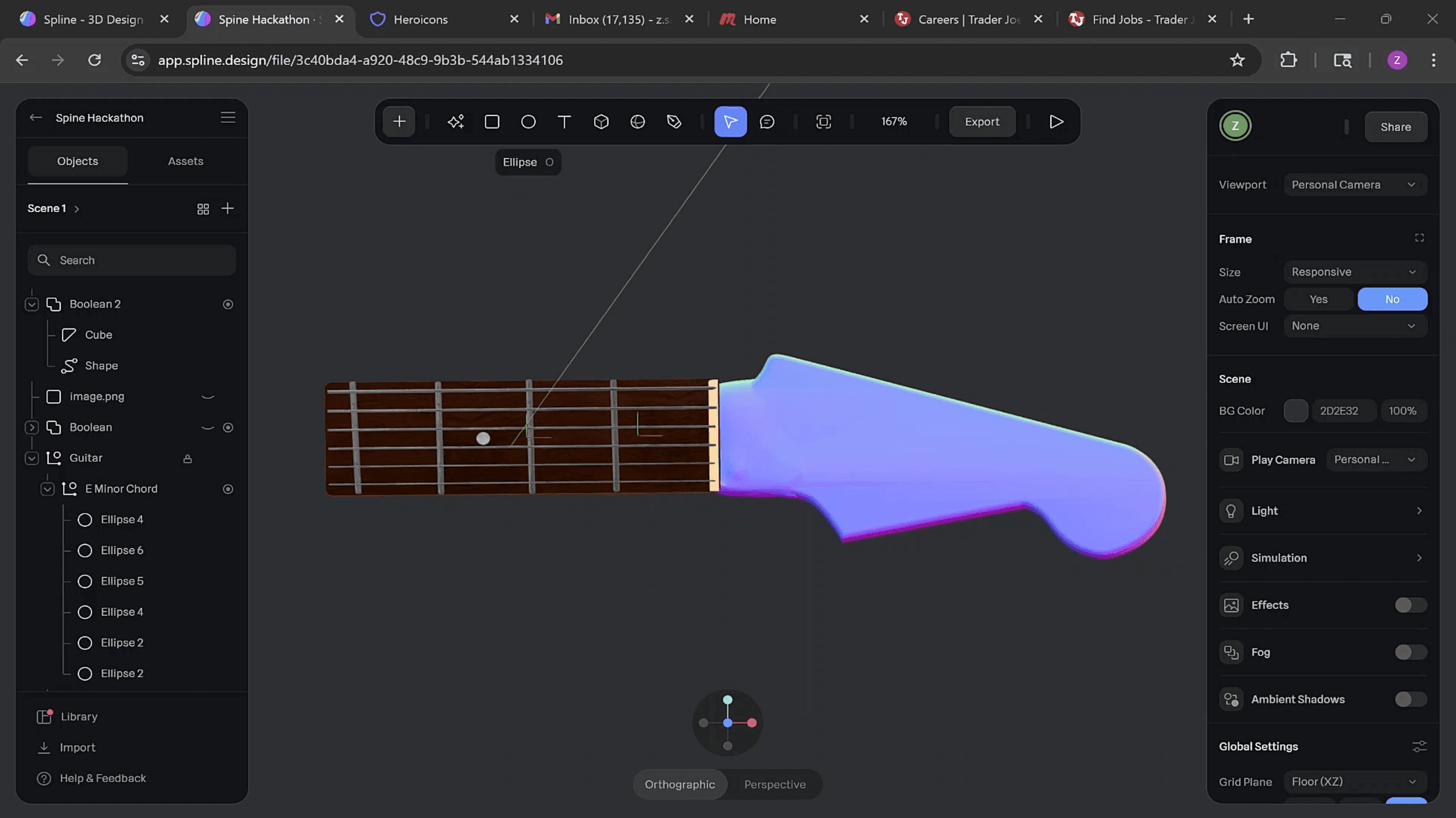
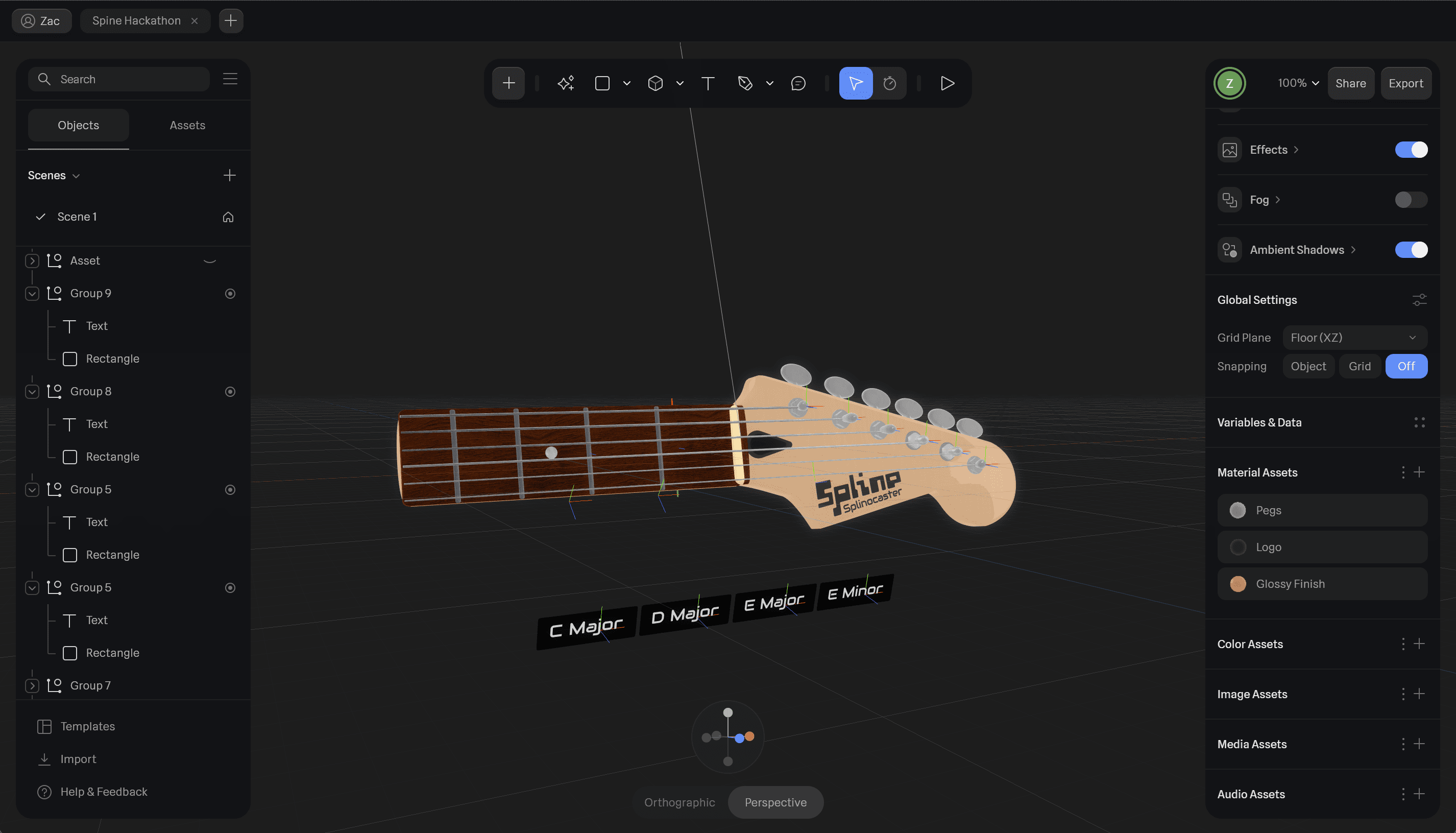
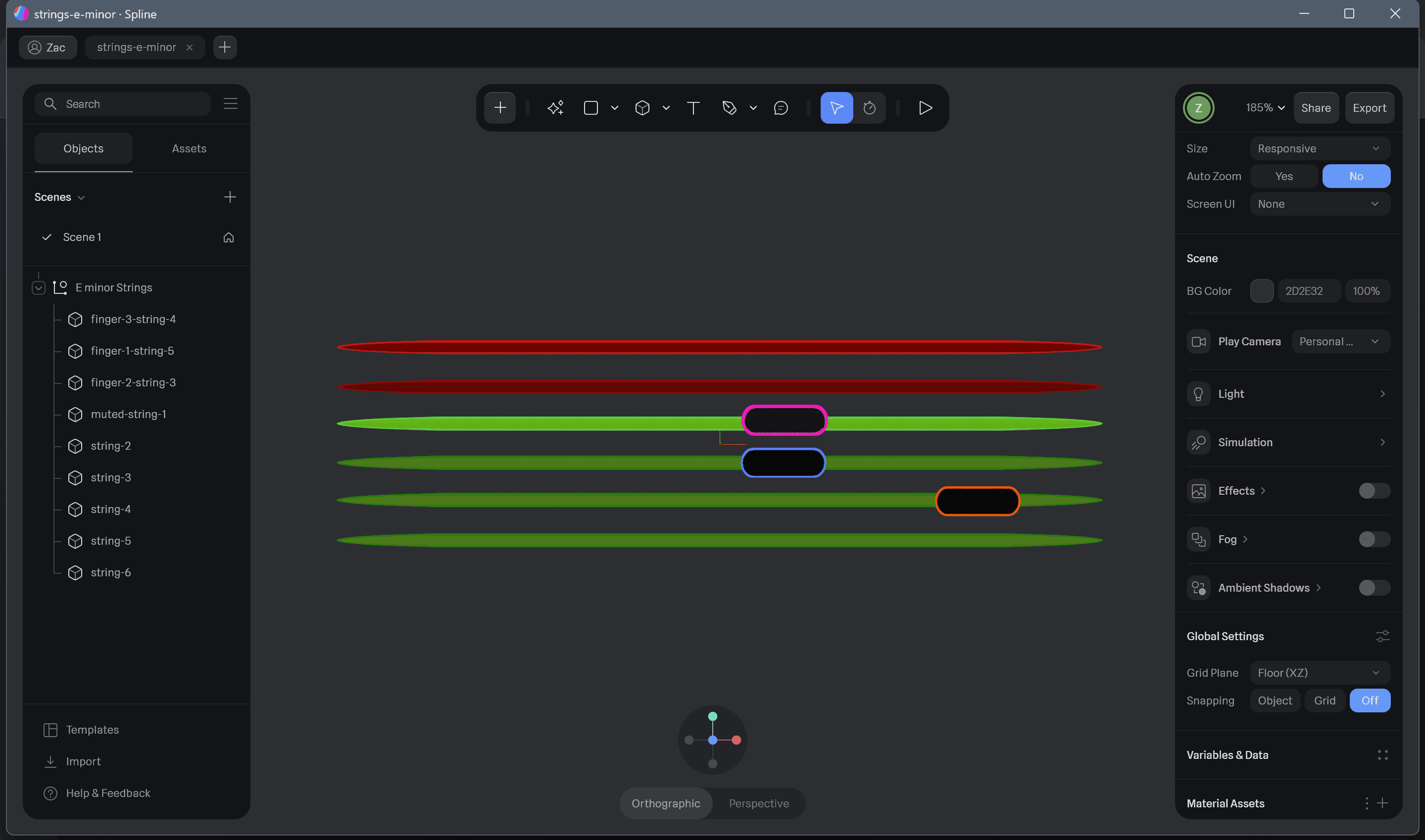
This was originally going to just a simple spline scene that highlighted the correct strings and had a key showing which finger should be placed which string.

Building and Modeling

This was originally going to just a simple spline scene that highlighted the correct strings and had a key showing which finger should be placed which string.

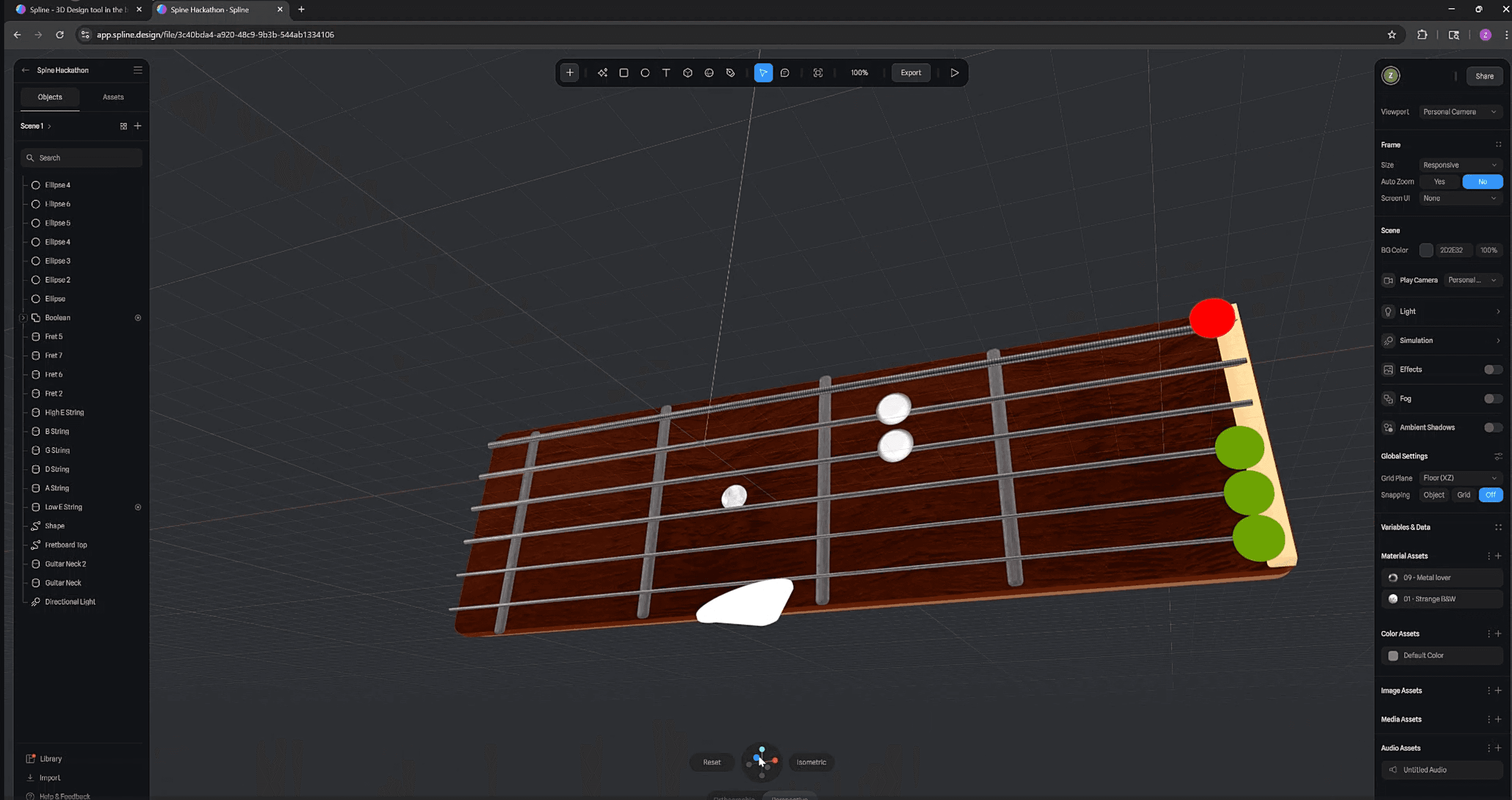
Original Prototype

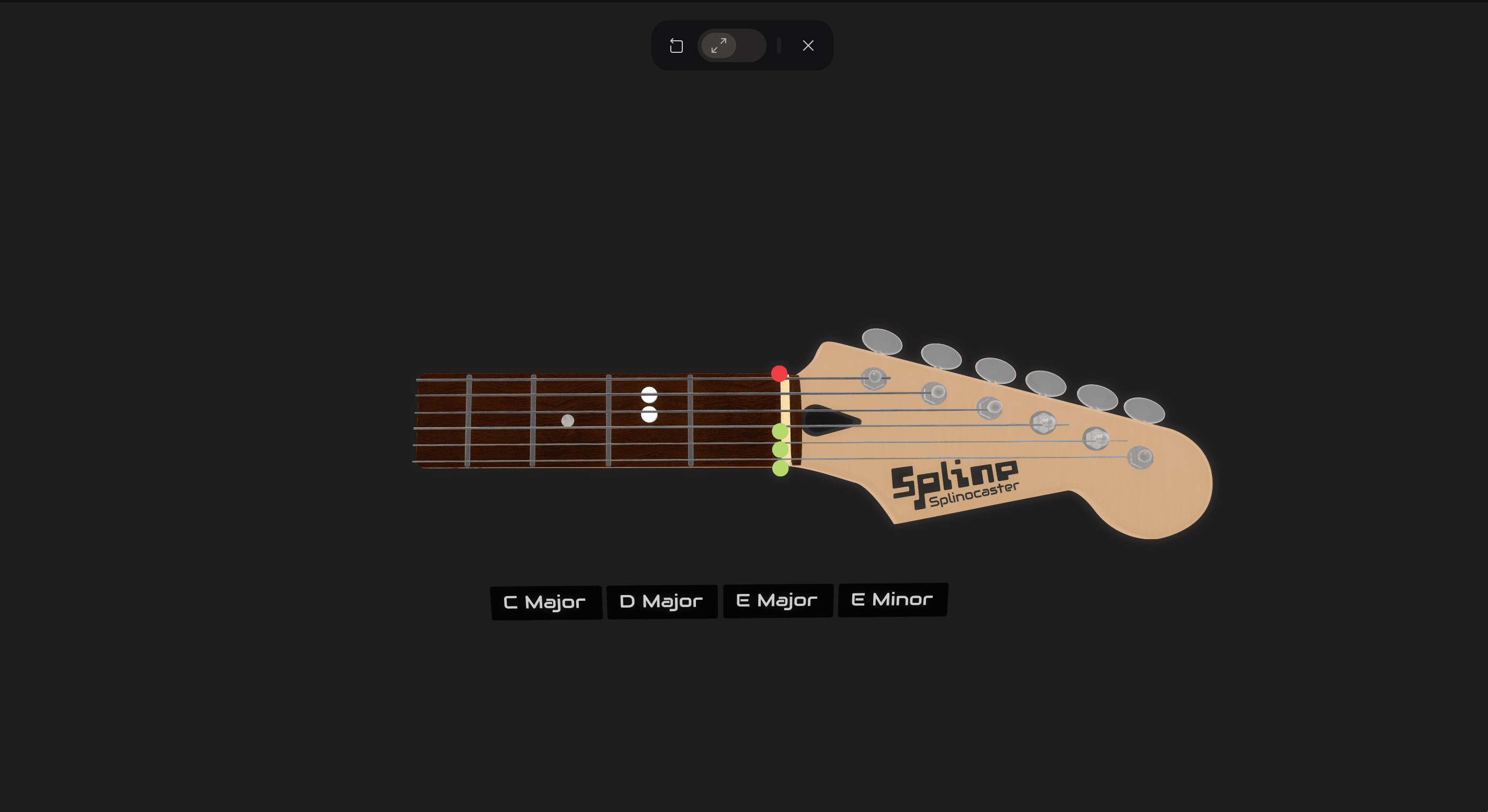
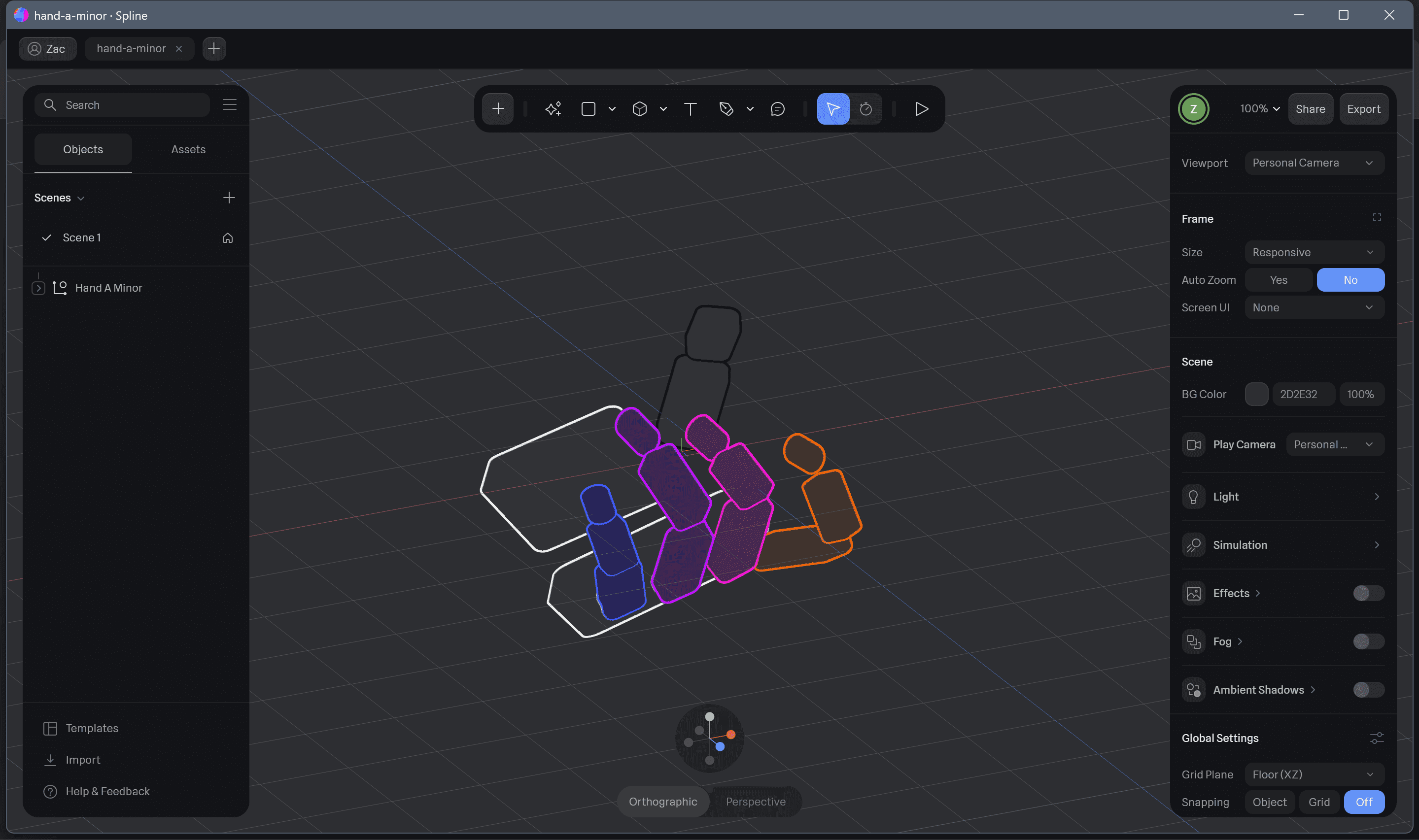
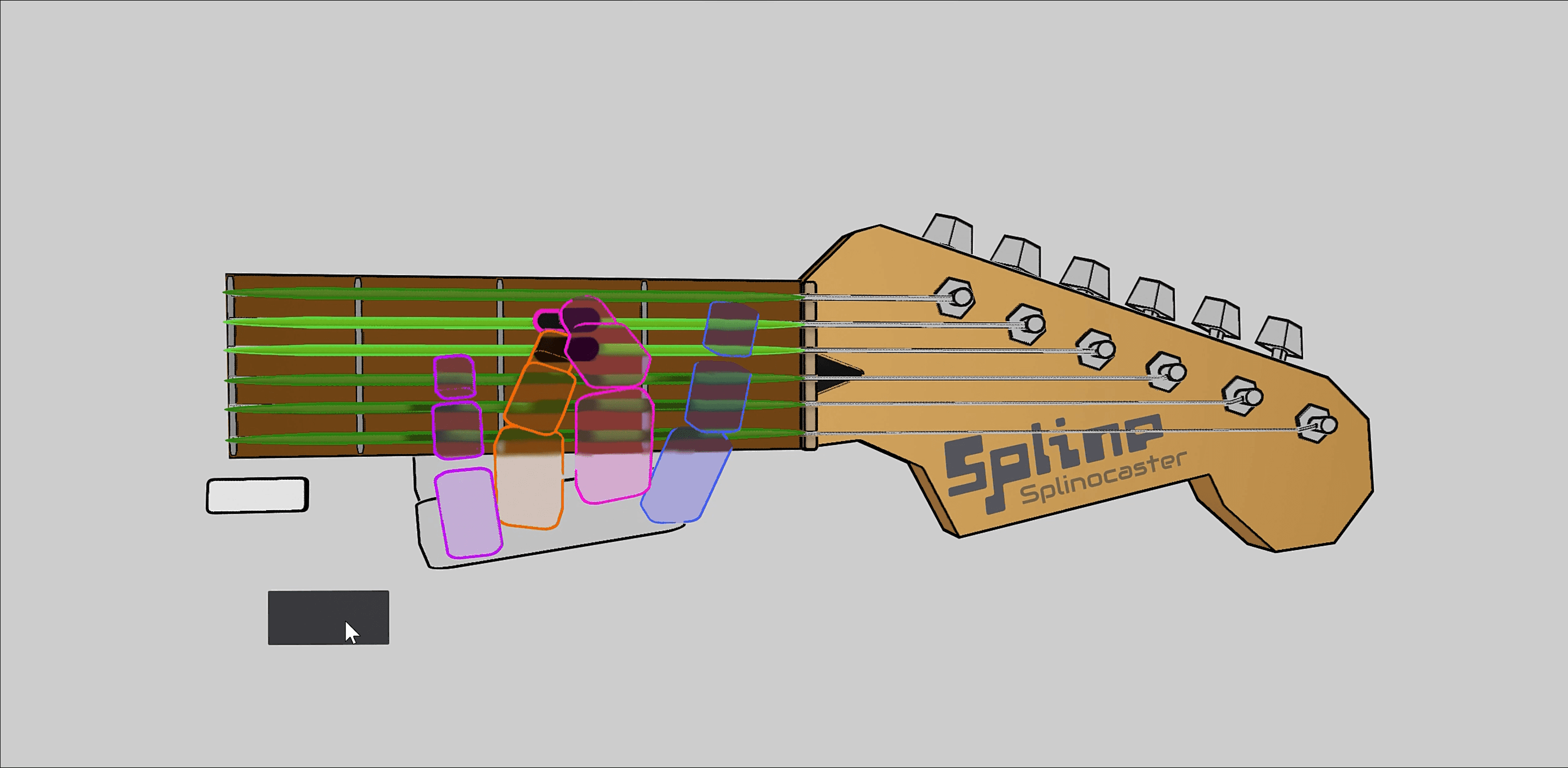
Here is what the first working prototype looked like. You could click one of the buttons, and it would show you which strings to play, and where to place your fingers. Sadly, I knew this wasn't really enough to help users and as much as I was dreading it I was gonna have to model the actual hand positioning.

A couple of other things I noticed at this point was that I wanted to overlay a flat interface rather than having one in a 3d space so that users could click it at anytime. I was also going to have to move away from a hype realistic style as it was too heavy on the machine and I wanted this to actually be usable. All of these constraints led to a full redesign and, a decision to build this myself using 3.js.

Low Poly Style

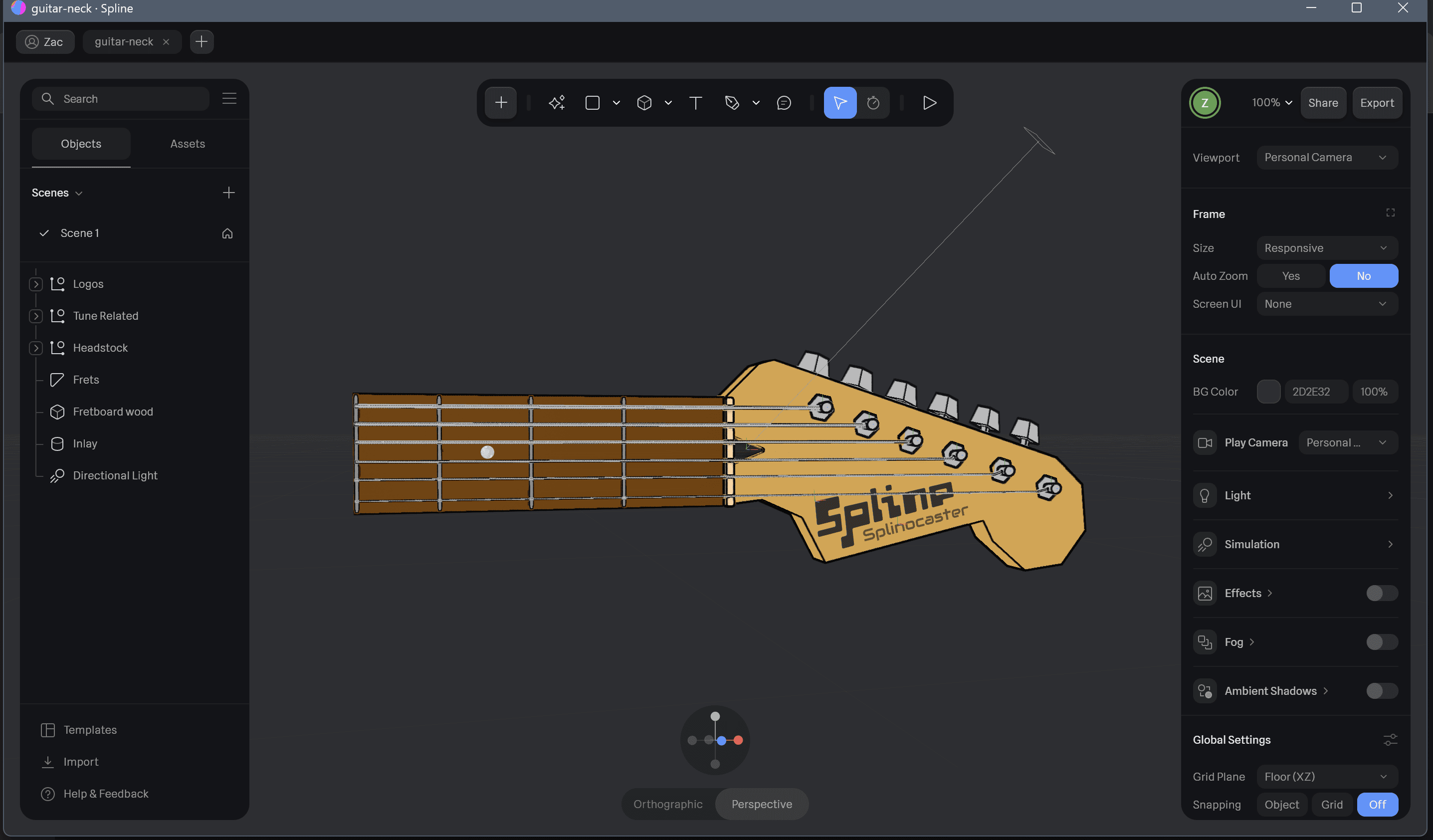
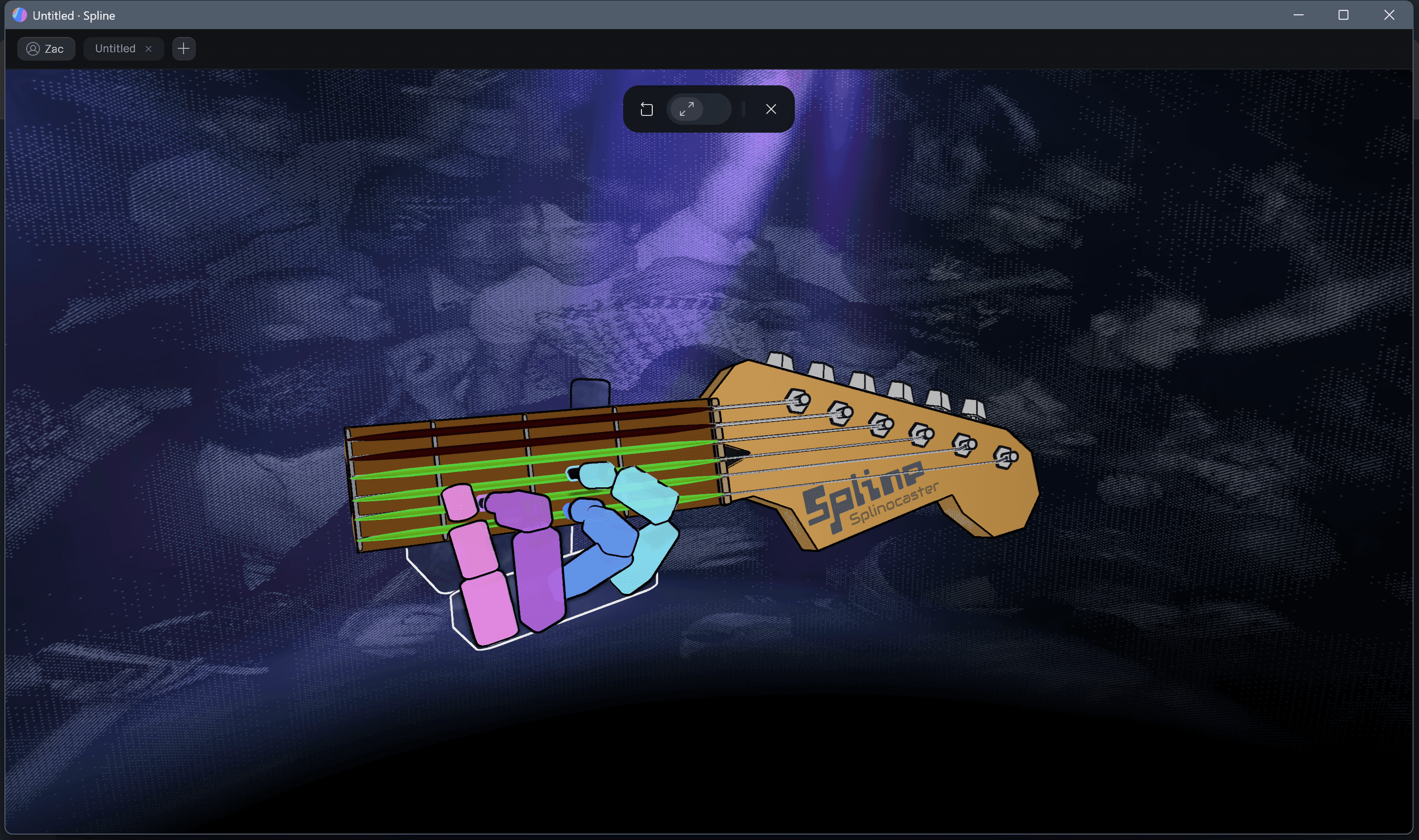
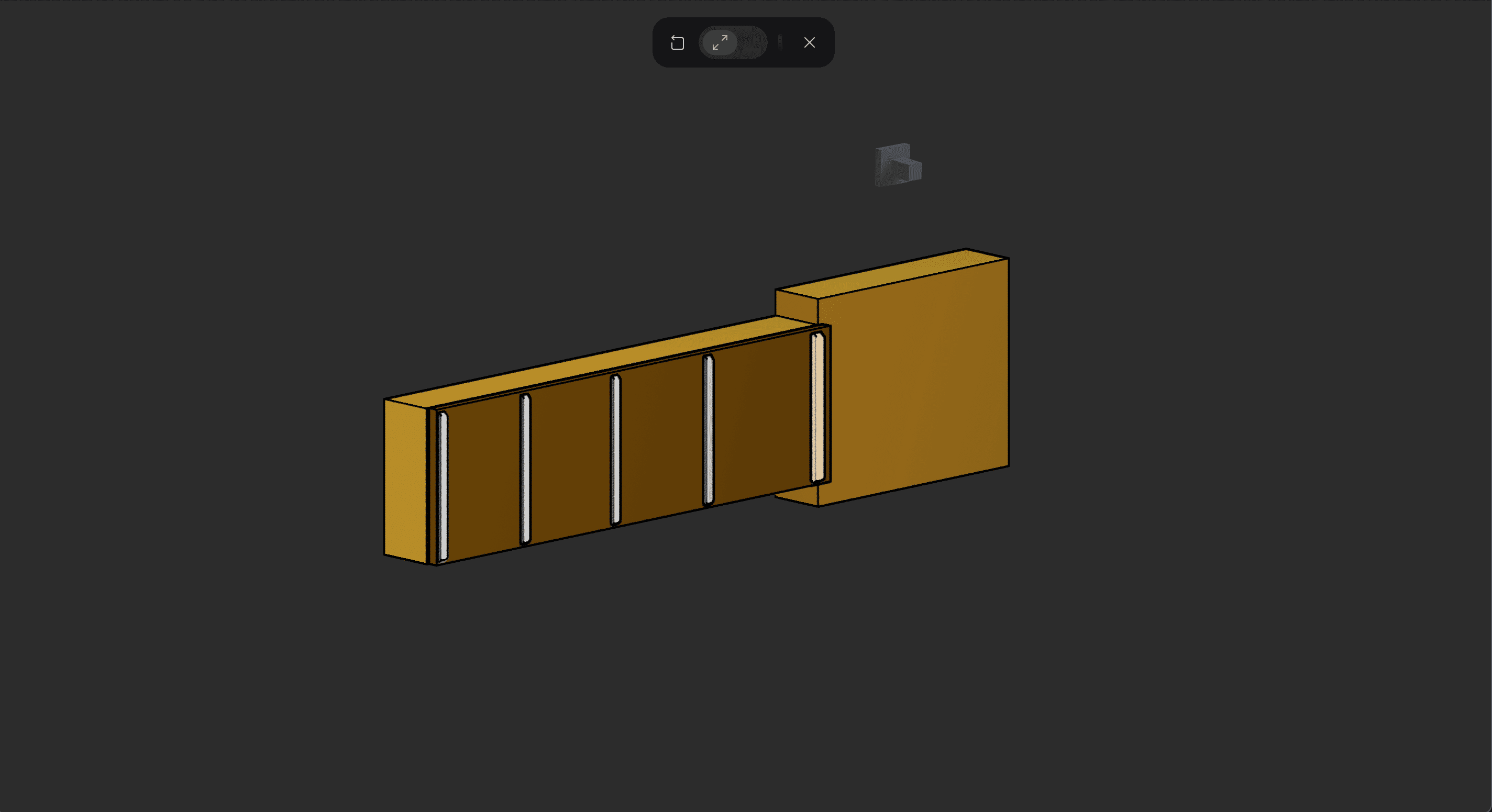
First things first I had to try and figure out how I wanted the web app to look and feel. I opted for a low-poly aesthetic to ensure maximum performance on the web, guaranteeing quick load times and smooth, high frame rates. I started with the guitar neck and the did the strings with the markers showing where the fingers go, as well as the actual hands. Last but not least I designed the surrounding environment to fit the style.

Low Poly Style

First things first I had to try and figure out how I wanted the web app to look and feel. I opted for a low-poly aesthetic to ensure maximum performance on the web, guaranteeing quick load times and smooth, high frame rates. I started with the guitar neck and the did the strings with the markers showing where the fingers go, as well as the actual hands. Last but not least I designed the surrounding environment to fit the style.